FREE WHITE PAPER

Heading

Date
This is some text inside of a div block.
FREE WHITE PAPER

Heading 1

Heading 2

Heading 3

Heading 4

Heading 5
Heading 6

Lorem ipsum dolor sit amet, consectetur adipiscing elit, sed do eiusmod tempor incididunt ut labore et dolore magna aliqua. Ut enim ad minim veniam, quis nostrud exercitation ullamco laboris nisi ut aliquip ex ea commodo consequat. Duis aute irure dolor in reprehenderit in voluptate velit esse cillum dolore eu fugiat nulla pariatur.

Block quote

Ordered list

  1. Item 1
  2. Item 2
  3. Item 3

Unordered list

  • Item A
  • Item B
  • Item C

Text link

Bold text

Emphasis

Superscript

Subscript

Heading 1

Heading 2

Heading 3

Heading 4

Heading 5
Heading 6

Lorem ipsum dolor sit amet, consectetur adipiscing elit, sed do eiusmod tempor incididunt ut labore et dolore magna aliqua. Ut enim ad minim veniam, quis nostrud exercitation ullamco laboris nisi ut aliquip ex ea commodo consequat. Duis aute irure dolor in reprehenderit in voluptate velit esse cillum dolore eu fugiat nulla pariatur.

Block quote

Ordered list

  1. Item 1
  2. Item 2
  3. Item 3

Unordered list

  • Item A
  • Item B
  • Item C

Text link

Bold text

Emphasis

Superscript

Subscript

Download Resource
Thank you! Your submission has been received!
Oops! Something went wrong while submitting the form.

Introduction to Neptune

Edited by
Date
April 4, 2022

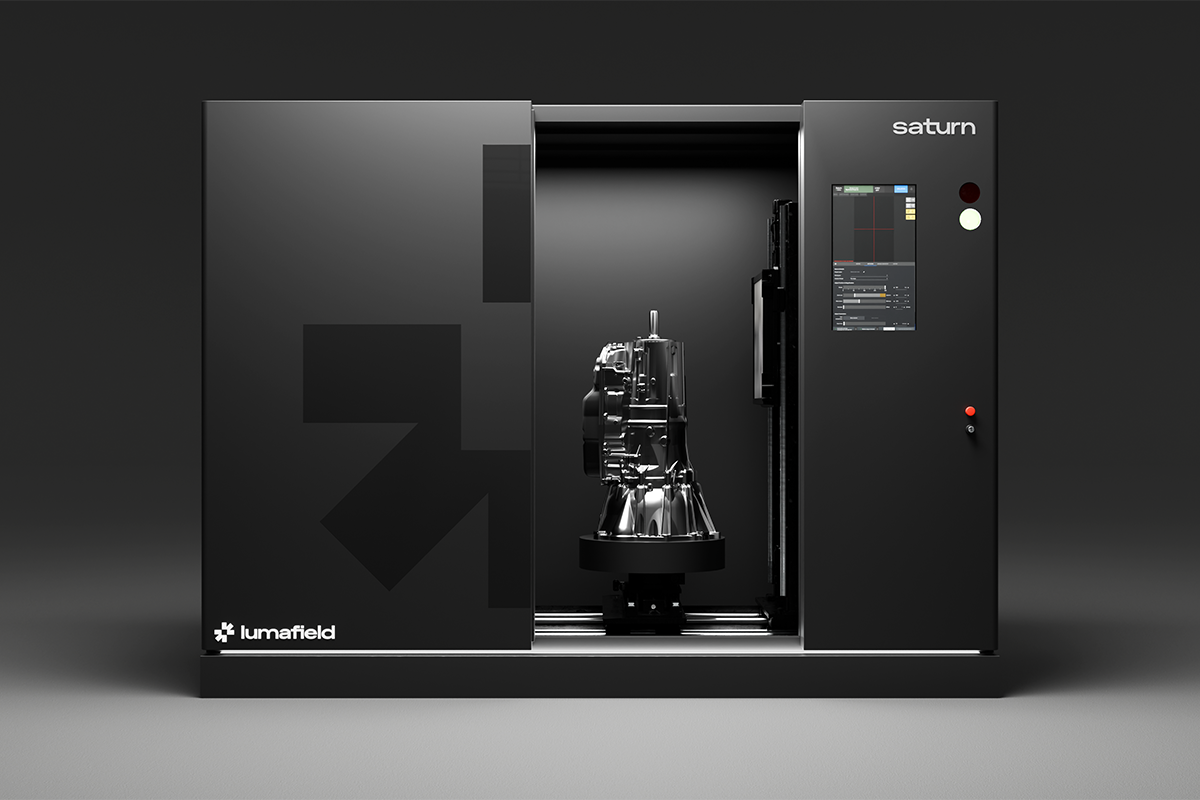
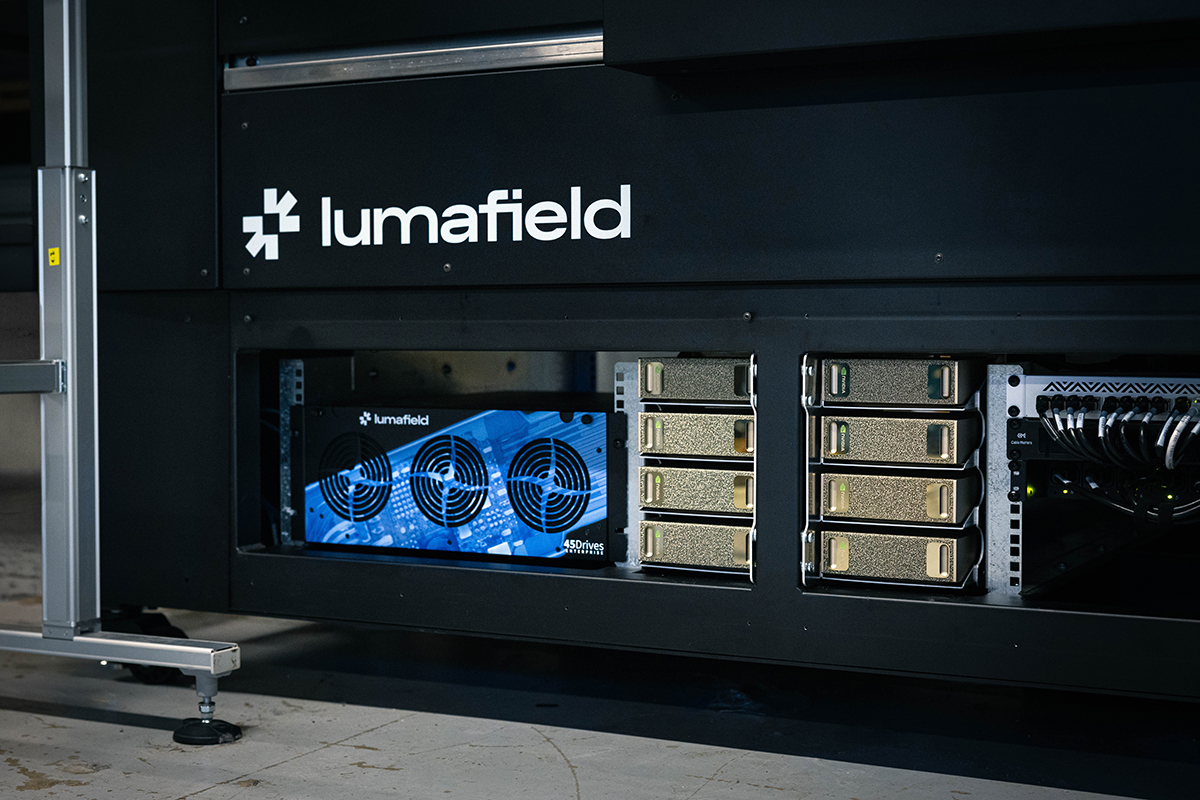
The Lumafield Neptune is designed to be user-friendly and versatile, fitting seamlessly into an office or workshop environment without needing a dedicated space. The scanner is about six feet wide, six feet tall, and just under three feet deep, making it compact enough to fit through a standard doorway. It features leveling caster wheels for easy positioning and stability and operates on a standard 120-volt, 15-amp outlet with both Ethernet and Wi-Fi connectivity.

Safety

Safety is a top priority at Lumafield. Our products are designed to protect operators and bystanders from X-ray radiation. Neptune meets or exceeds stringent safety requirements set by the US Food and Drug Administration and other global regulators. The main chamber is surrounded by lead shielding to block stray X-rays, and multiple safety features ensure that X-rays are only emitted when the door is closed and the machine is ready to operate. The X-ray status is indicated by lights on the front of the machine—green means the X-rays are off, and red means they are on. Additionally, there is an emergency stop button and a lockout switch to manage access.

Operation

Operating the Neptune is straightforward with its touchscreen interface. To set up a scan, open the scanner by tapping the unlatch button. Inside, the scanning platform holds the objects to be scanned. The X-ray source projects X-rays through the object to the detector system. Denser or thicker materials block more X-rays, which is captured in the scan. The platform rotates 360 degrees during the scan, capturing images from multiple angles. The platform can be manually adjusted horizontally and vertically to optimize the scan.

Fixturing

To achieve high-quality scans, proper fixturing is crucial. Lumafield provides a versatile fixturing kit to accommodate various parts. Secure the part to prevent movement during the scan and minimize the distance X-rays travel through it. For mono-material parts, orient the long axis vertically. For multi-material parts, orient the denser material vertically. Avoid horizontal flat surfaces by tilting the part slightly to reduce reconstruction artifacts.

Scanning

After positioning the part, center it on the scanning platform, ensuring it’s within the field of view. Close the door and turn on the X-rays to visualize the part. Verify the bounds by taking sample images from different angles. For scan settings, Auto Scan is recommended for most users, adjusting the scan time to balance between speed and resolution. A lightweight plastic part can be scanned in minutes, while a thicker steel part might require overnight scanning for finer details.

Advanced users can use the Manual Scan screen to adjust parameters like beam energy, current gain, and exposure time. Lumafield also offers Automated End-to-End Workflows for repeatable batch scanning, scalable up to production volumes.

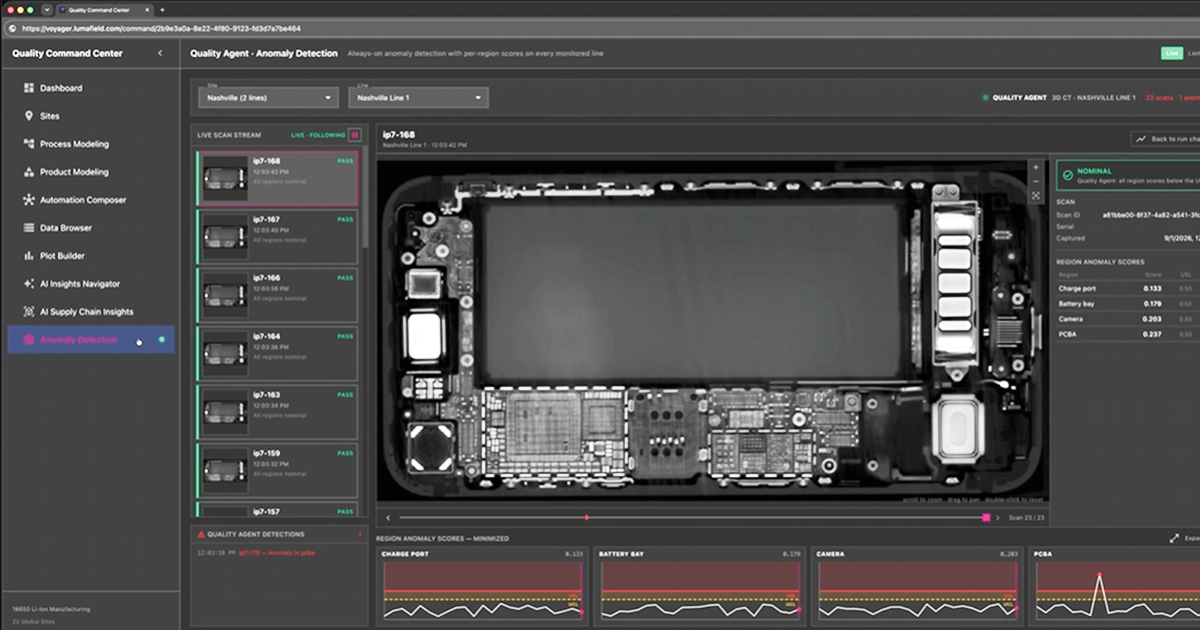
Start the scanning process by selecting Auto Scan. Neptune will handle the scan, upload the data to our cloud-based software, Voyager, which will reconstruct it into a 3D model available for viewing and analysis.

Industrial CT is an unparalleled inspection tool that enhances product design, manufacturing, and quality control. We’re excited to see what you scan with the Lumafield Neptune.

Reach out to our team.

Are you a current customer? Head over to our Support site for detailed documentation and tutorials.

CT 101 Resource
Article

Introduction to Neptune

April 4, 2022
CT 101 Resource

Introduction to Neptune

The Lumafield Neptune is designed to be user-friendly and versatile, fitting seamlessly into an office or workshop environment without needing a dedicated space. The scanner is about six feet wide, six feet tall, and just under three feet deep, making it compact enough to fit through a standard doorway. It features leveling caster wheels for easy positioning and stability and operates on a standard 120-volt, 15-amp outlet with both Ethernet and Wi-Fi connectivity.

Safety

Safety is a top priority at Lumafield. Our products are designed to protect operators and bystanders from X-ray radiation. Neptune meets or exceeds stringent safety requirements set by the US Food and Drug Administration and other global regulators. The main chamber is surrounded by lead shielding to block stray X-rays, and multiple safety features ensure that X-rays are only emitted when the door is closed and the machine is ready to operate. The X-ray status is indicated by lights on the front of the machine—green means the X-rays are off, and red means they are on. Additionally, there is an emergency stop button and a lockout switch to manage access.

Operation

Operating the Neptune is straightforward with its touchscreen interface. To set up a scan, open the scanner by tapping the unlatch button. Inside, the scanning platform holds the objects to be scanned. The X-ray source projects X-rays through the object to the detector system. Denser or thicker materials block more X-rays, which is captured in the scan. The platform rotates 360 degrees during the scan, capturing images from multiple angles. The platform can be manually adjusted horizontally and vertically to optimize the scan.

Fixturing

To achieve high-quality scans, proper fixturing is crucial. Lumafield provides a versatile fixturing kit to accommodate various parts. Secure the part to prevent movement during the scan and minimize the distance X-rays travel through it. For mono-material parts, orient the long axis vertically. For multi-material parts, orient the denser material vertically. Avoid horizontal flat surfaces by tilting the part slightly to reduce reconstruction artifacts.

Scanning

After positioning the part, center it on the scanning platform, ensuring it’s within the field of view. Close the door and turn on the X-rays to visualize the part. Verify the bounds by taking sample images from different angles. For scan settings, Auto Scan is recommended for most users, adjusting the scan time to balance between speed and resolution. A lightweight plastic part can be scanned in minutes, while a thicker steel part might require overnight scanning for finer details.

Advanced users can use the Manual Scan screen to adjust parameters like beam energy, current gain, and exposure time. Lumafield also offers Automated End-to-End Workflows for repeatable batch scanning, scalable up to production volumes.

Start the scanning process by selecting Auto Scan. Neptune will handle the scan, upload the data to our cloud-based software, Voyager, which will reconstruct it into a 3D model available for viewing and analysis.

Industrial CT is an unparalleled inspection tool that enhances product design, manufacturing, and quality control. We’re excited to see what you scan with the Lumafield Neptune.

Reach out to our team.

Are you a current customer? Head over to our Support site for detailed documentation and tutorials.

Voyager Inspection Workflows
Introduction to Voyager
Introduction to Industrial CT
Advancing Automotive Inspection: Industrial CT for Better Outcomes
Introducing Neptune Performance and Triton Performance
Manufacturers Know Quality Costs Money. Most Don't Know How Much.
The Real Cost of a Product Recall and How to Prevent One
What Industrial CT Scanning Does for Manufacturing Quality
Next-Generation Drones: Protecting Performance with Industrial CT
Explore more posts
メインコンテンツへスキップ
New Performance scanners are here >
プラットフォーム
分野別ソリューション
すべての業界
バッテリー
医療機器
消費財
スポーツ用品
自動車
航空宇宙/防衛
農業と食品
電子機器
用途別アプリケーション
各種資料
技術資料
ケーススタディ
オンラインセミナー
Blog
Insights from lumafield
Go/No-Go
Manufacturing podcast
First Article
Editorial Publication
企業情報
会社概要
採用情報
プレスリリース
Events
Voyager を起動
お問い合わせはこちら
メニュー
製品業界
業界
すべての業界
電子機器
医療機器
自動車
消費財
バッテリー
農業と食品
航空宇宙/防衛
スポーツ用品
[アプリケーション]
リソース
リソース
ホワイトペーパー
101
オンラインセミナー
最初の記事
Go/No-Go Podcast
First Article
会社
会社
について
採用情報
プレス
Events
セールスに問い合わせる
ボイジャーを起動
© 2000 Lumafield. All Rights Reserved.
世界の”ものづくり”を変える。
分野別ソリューション
バッテリー
医療機器
消費財
スポーツ用品
自動車
航空宇宙/防衛
農業と食品
電子機器
すべての業界
用途別アプリケーション
リバースエンジニアリング
ファースト・アーティクル・インスペクション (FAI)
品質保証と品質管理
寸法測定
故障解析
材料特性評価
欠陥検出
競合ベンチマークと分析
組み立て検証
設計検証と妥当性の確認
サプライヤー適格性評価
非破壊検査 (NDT)
すべてのアプリケーション
製品
ネプチューントリトンボイジャーアトラス
各種資料
学習コンテンツメディア技術資料ウェビナーオンラインセミナー初回CTスキャン分析ガイドケーススタディCT入門エンジニアブログ
企業情報
ログイン会社概要採用情報プレスリリースブログお問い合わせ

ニュースレターに登録する

info@lumafield.com
プライバシー情報セキュリティ導入サービス契約
© 2000 ルマフィールド。全著作権所有。