Introduction to Triton

Edited by
Date

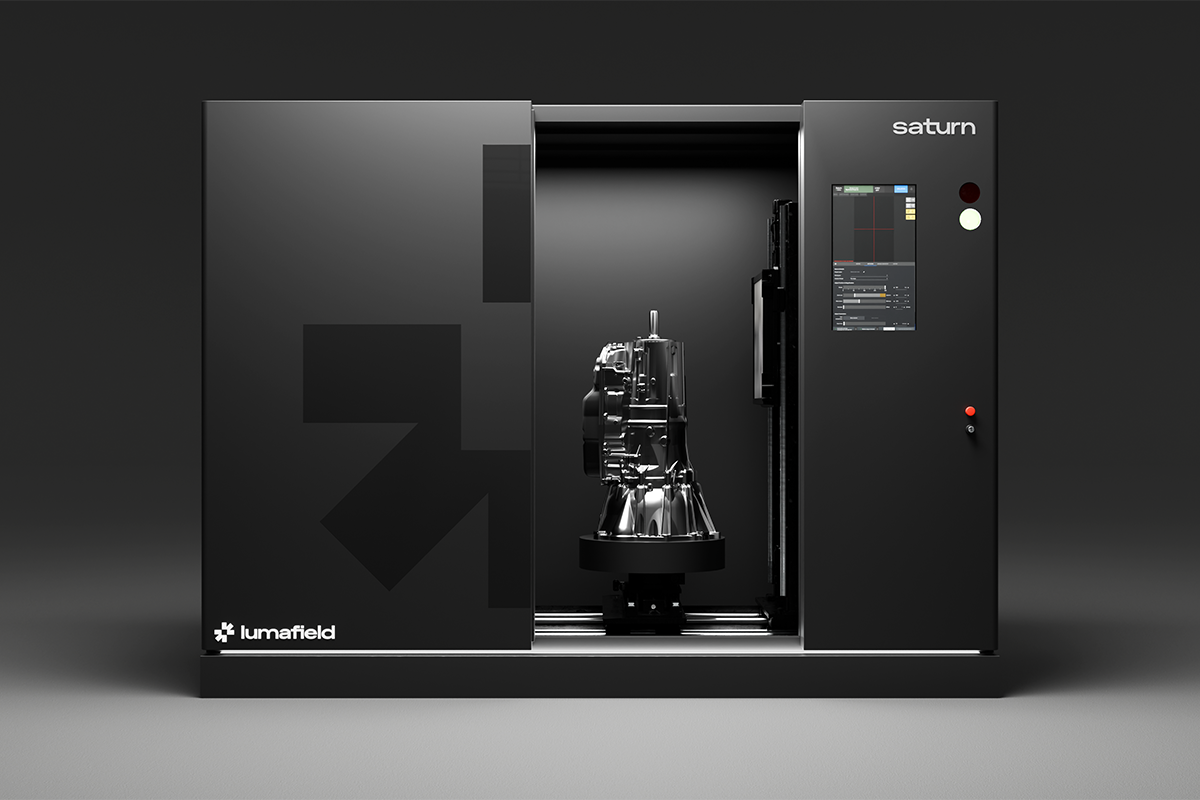
Triton is designed for production environments that need fast, reliable inspection without slowing the line. It delivers industrial X-ray CT at high speed, with a compact footprint that fits comfortably beside or within existing workflows. The system measures about seven feet wide, just over six feet tall, and slightly under six feet deep. It runs on a standard 120-volt outlet, and its infeed and outfeed configurations can be arranged to suit a variety of factory layouts. Automated part handling supports lights-out operation, and Ultra Fast CT allows throughput of up to twelve parts per minute.

Inside the Machine

Parts enter Triton on pallets that travel along the infeed conveyor. Each pallet moves through the opening, follows a controlled path inside the machine, and arrives at the central chamber. During operation the door remains locked, though operators can open it during setup by pressing the unlatch button on the touchscreen.

Inside the chamber, the pallet is lifted into position for scanning. A motorized turntable rotates the part so the system can capture a complete set of radiographs. When the scan is finished, the pallet returns to the conveyor and proceeds to the outfeed. Here the scanner sorts parts automatically, using a rejector arm to separate pass and fail units based on the inspection criteria defined in software. While Triton is running, the touchscreen shows both the movement of parts through the machine and a live view of the radiographs being collected.

A Focus on Safety

Triton incorporates shielding and mechanical safeguards that protect operators and nearby personnel. Its internal path for parts has a maze-like shape that prevents radiation from leaving the chamber while still allowing open infeed and outfeed points. X-rays can only be generated when the door is locked and the system confirms that it is safe to proceed. Additional measures include an emergency stop and a keyed lockout switch. Every Lumafield scanner undergoes rigorous testing at installation and during service.
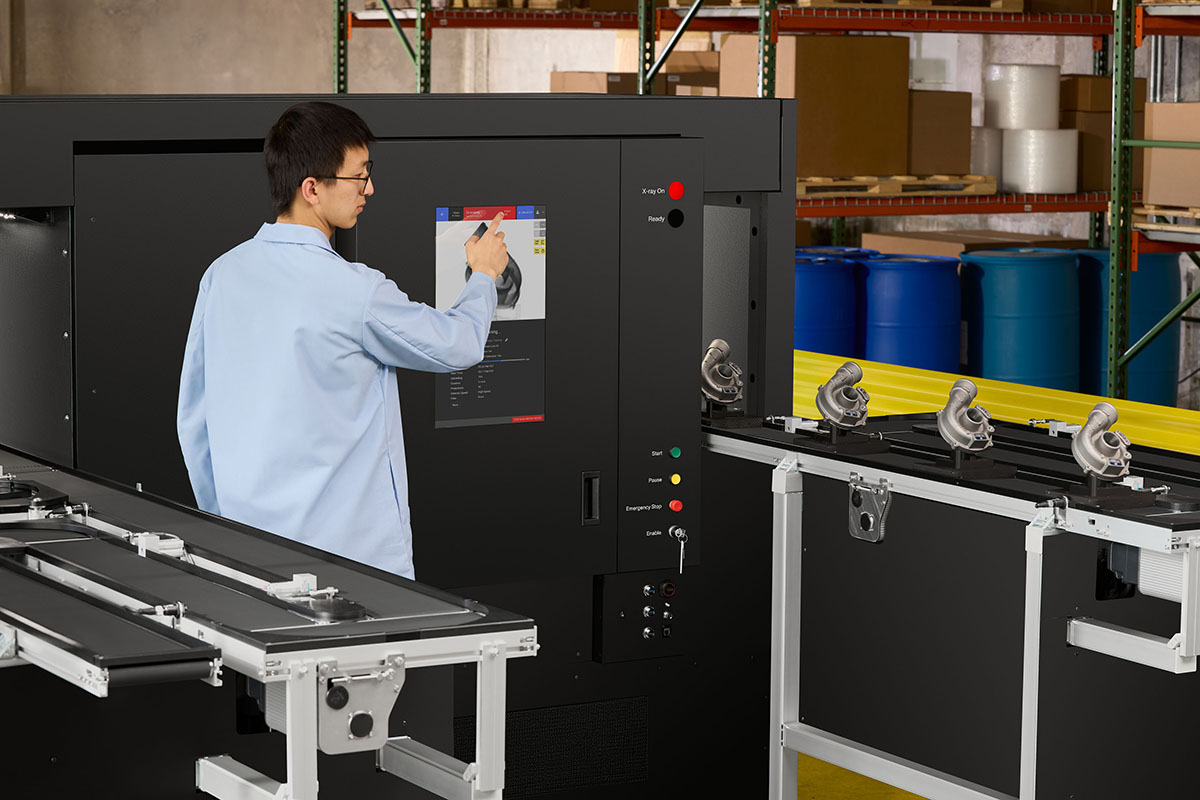
Triton can make instant pass/fail determinations about internal porosity within these cast aluminum parts.

Preparing for a Production Run

Triton is built for repeated inspection of high-volume SKUs, offering fast decisions on quality and clear visibility into trends on the factory floor. To make the most of this capability, it helps to establish a consistent workflow.

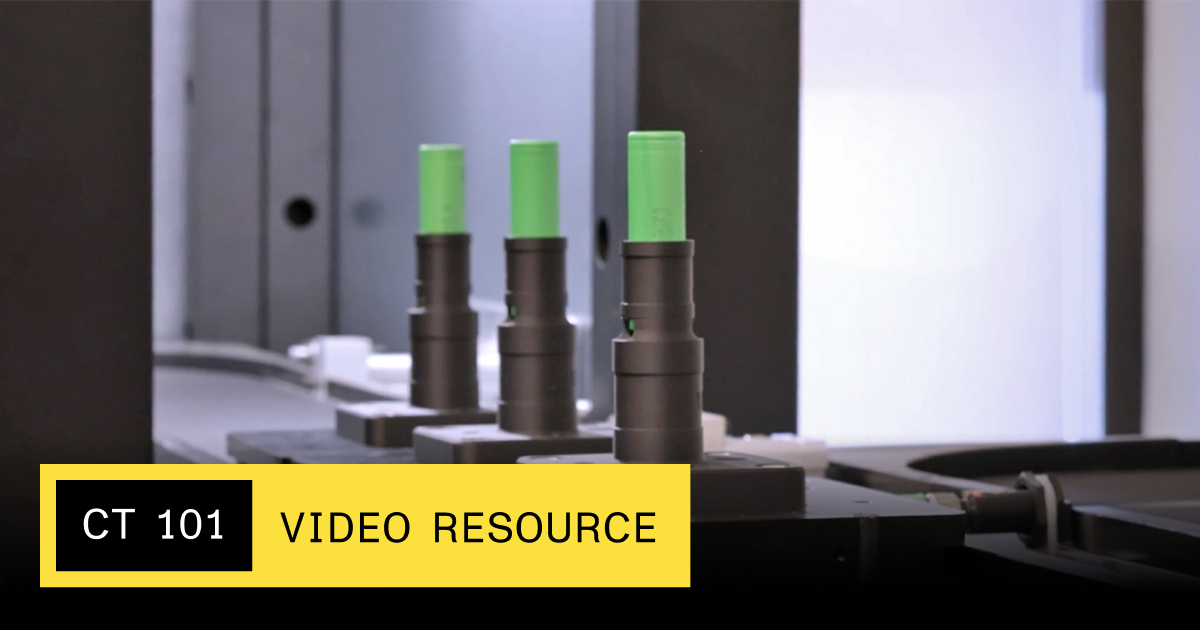
A dependable fixture keeps each part stable during scanning. For example, a dedicated holder for 18650 battery cells mounts directly onto the Triton pallets.

In software, organization begins with a Workspace, which collects all scan data for a project. Within that Workspace you create a Part Program containing the settings specific to the part you intend to inspect. A Part Program has three components. The Part Template holds metadata associated with the SKU. The Scan Recipe defines how the part sits in the chamber and sets the scan parameters, including beam settings, exposure, and the number of radiographs taken. The Analysis Recipe processes the resulting CT data and identifies the features you want to track, such as porosity or leak paths. Lumafield’s team can assist as you refine these parameters.

Continuous Scanning

Once the Part Program is ready, scanning can begin. Each run is labeled with a batch name, and the system uses RFID tags on the pallets to keep track of individual units. A barcode scanner can be connected if you want to record part numbers automatically, or you can enter information directly through the touchscreen or an attached keyboard.

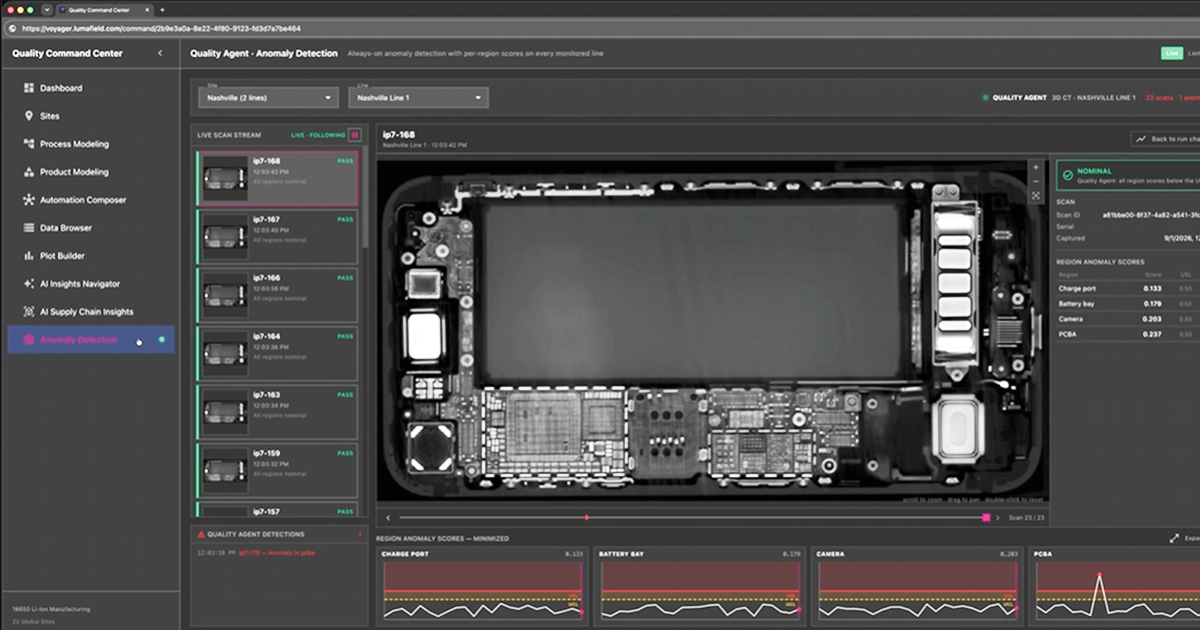
With these elements in place, Triton is prepared for continuous inspection of hundreds or thousands of parts. All results are available in Lumafield’s Voyager software, giving you immediate insight into production quality. Triton brings high-speed CT to the manufacturing line, helping teams raise standards and resolve issues sooner.

Reach out to our team.

Are you a current customer? Head over to our Support site for detailed documentation and tutorials.

CT 101 Resource
Article

Introduction to Triton

Introduction to Triton

Triton is designed for production environments that need fast, reliable inspection without slowing the line. It delivers industrial X-ray CT at high speed, with a compact footprint that fits comfortably beside or within existing workflows. The system measures about seven feet wide, just over six feet tall, and slightly under six feet deep. It runs on a standard 120-volt outlet, and its infeed and outfeed configurations can be arranged to suit a variety of factory layouts. Automated part handling supports lights-out operation, and Ultra Fast CT allows throughput of up to twelve parts per minute.

Inside the Machine

Parts enter Triton on pallets that travel along the infeed conveyor. Each pallet moves through the opening, follows a controlled path inside the machine, and arrives at the central chamber. During operation the door remains locked, though operators can open it during setup by pressing the unlatch button on the touchscreen.

Inside the chamber, the pallet is lifted into position for scanning. A motorized turntable rotates the part so the system can capture a complete set of radiographs. When the scan is finished, the pallet returns to the conveyor and proceeds to the outfeed. Here the scanner sorts parts automatically, using a rejector arm to separate pass and fail units based on the inspection criteria defined in software. While Triton is running, the touchscreen shows both the movement of parts through the machine and a live view of the radiographs being collected.

A Focus on Safety

Triton incorporates shielding and mechanical safeguards that protect operators and nearby personnel. Its internal path for parts has a maze-like shape that prevents radiation from leaving the chamber while still allowing open infeed and outfeed points. X-rays can only be generated when the door is locked and the system confirms that it is safe to proceed. Additional measures include an emergency stop and a keyed lockout switch. Every Lumafield scanner undergoes rigorous testing at installation and during service.

Triton can make instant pass/fail determinations about internal porosity within these cast aluminum parts.

Preparing for a Production Run

Triton is built for repeated inspection of high-volume SKUs, offering fast decisions on quality and clear visibility into trends on the factory floor. To make the most of this capability, it helps to establish a consistent workflow.

A dependable fixture keeps each part stable during scanning. For example, a dedicated holder for 18650 battery cells mounts directly onto the Triton pallets.

In software, organization begins with a Workspace, which collects all scan data for a project. Within that Workspace you create a Part Program containing the settings specific to the part you intend to inspect. A Part Program has three components. The Part Template holds metadata associated with the SKU. The Scan Recipe defines how the part sits in the chamber and sets the scan parameters, including beam settings, exposure, and the number of radiographs taken. The Analysis Recipe processes the resulting CT data and identifies the features you want to track, such as porosity or leak paths. Lumafield’s team can assist as you refine these parameters.

Continuous Scanning

Once the Part Program is ready, scanning can begin. Each run is labeled with a batch name, and the system uses RFID tags on the pallets to keep track of individual units. A barcode scanner can be connected if you want to record part numbers automatically, or you can enter information directly through the touchscreen or an attached keyboard.

With these elements in place, Triton is prepared for continuous inspection of hundreds or thousands of parts. All results are available in Lumafield’s Voyager software, giving you immediate insight into production quality. Triton brings high-speed CT to the manufacturing line, helping teams raise standards and resolve issues sooner.

Reach out to our team.

Are you a current customer? Head over to our Support site for detailed documentation and tutorials.

Skip to main content